

Open an earlier session
Open Settings, then Sessions. Search the saved sessions and choose one to restore its provider, model, and conversation when possible. You can then continue the earlier discussion with its saved context.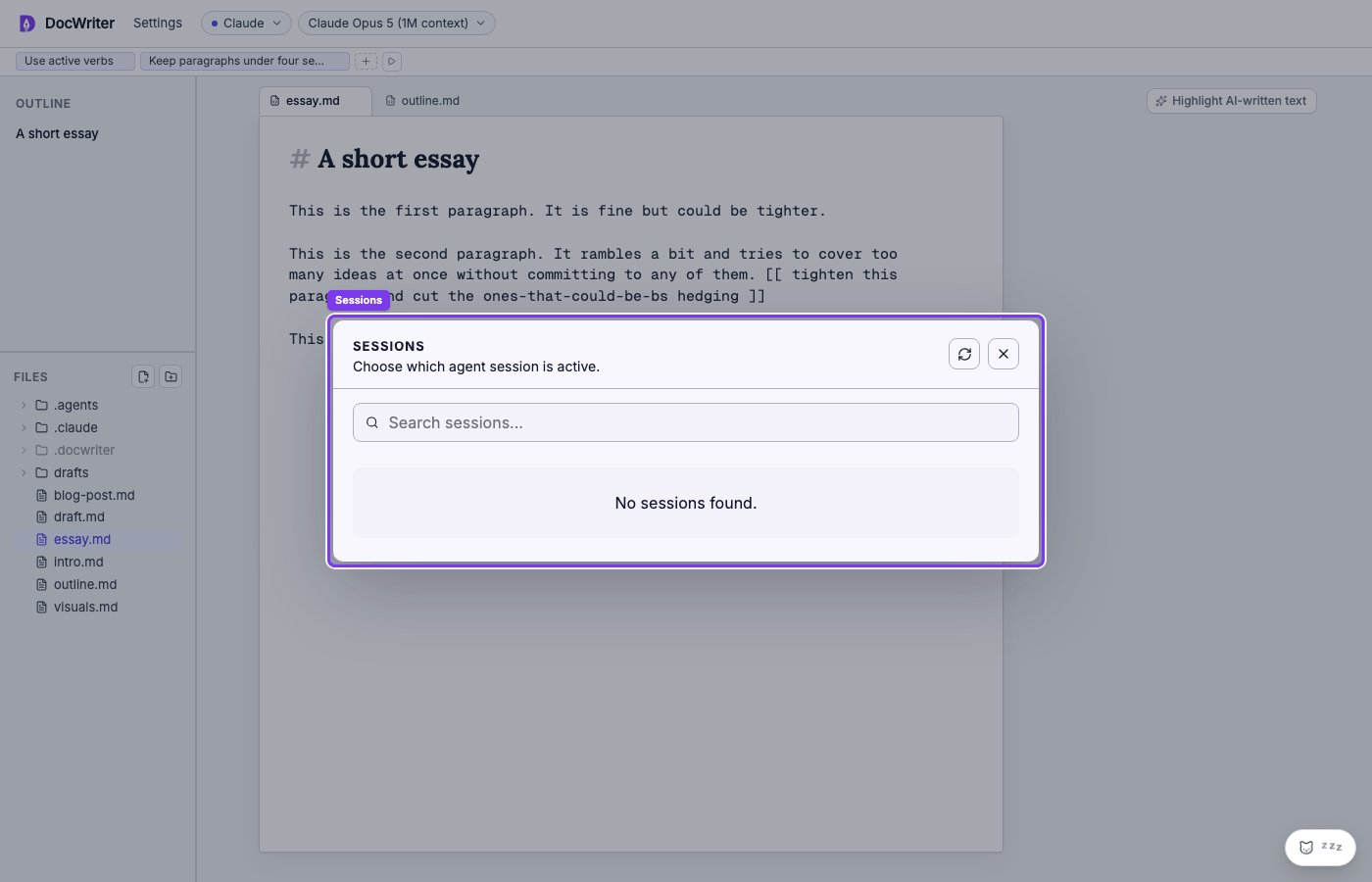
Open Settings, then Sessions, to search or switch conversations.
Start a new session
Choose New session in the agent dock when you want the next request to start without the current conversation or pending agent work. For example, start a new session after finishing one chapter when you do not want its detailed discussion to shape work on another chapter. Starting a new session clears:- The provider conversation and activity log.
- Queued work and active questions or plans.
- Pending edit proposals.
- Session cost and recent feedback actions.
- Temporary agent files under
.docwriter/agent/scratch/.